
Laptop Screen Replacement Vienna: Is It Worth It?
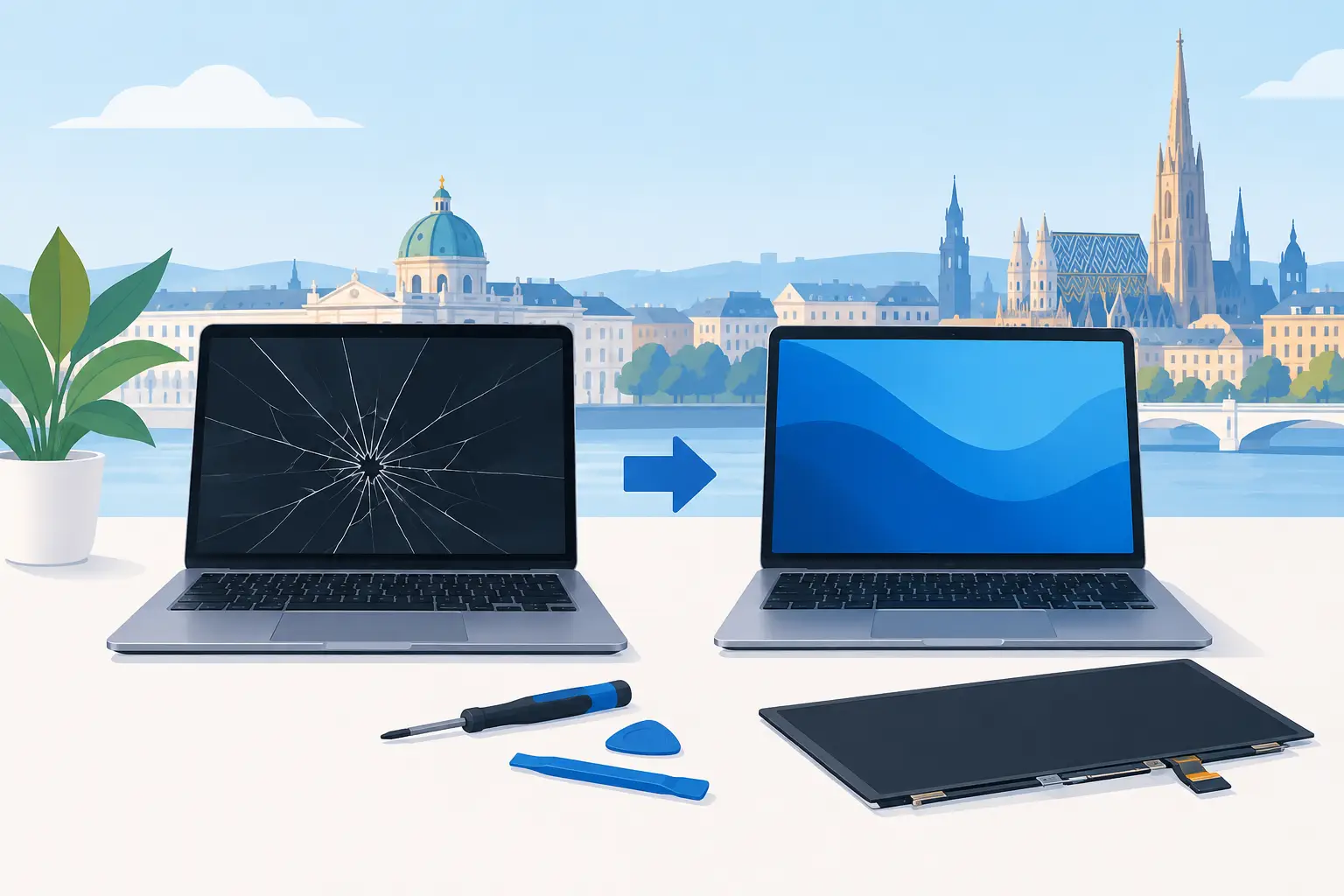
A laptop can still power on, make sounds, and even receive notifications while its screen is cracked, flickering, black, or covered in colored lines. That makes laptop screen replacement Vienna customers need feel more confusing than a computer that will not start at all. Is the display the only problem? Are your files safe? And is repair a better move than buying another laptop?
For many Vienna-area households, students, professionals, and small businesses, a damaged display is a repairable problem. The right next step depends on the laptop’s age, overall condition, screen type, and whether something besides the panel was damaged in the drop or impact.
What a damaged laptop screen can look like
A cracked screen is easy to spot, but not every display failure leaves visible broken glass. You may open the lid and see a black screen with the computer still running. The picture may flash on and off when you move the lid, show vertical lines, have a large dark spot, or look unusually dim even at full brightness.
Those symptoms can point to different issues. A cracked LCD panel generally needs replacement. A screen that cuts in and out when the lid moves may have a loose or damaged display cable. A black screen can be caused by the display, but it can also come from graphics hardware, a bad battery connection, a failed motherboard component, or a system issue.
That distinction matters. Replacing a screen will not fix a laptop that is actually failing to boot. A clear diagnosis helps you avoid paying for the wrong repair.
Common causes of screen damage
Most damaged laptop displays come from everyday accidents: a laptop dropped from a desk, pressure from a heavy item in a backpack, a closing lid with an object on the keyboard, or a hard hit to a corner. Even a tiny crack can spread through the panel over time.
Liquid is another concern. If a spill reaches the bezel, hinges, keyboard, or internal display cable, the screen may not be the only part affected. Do not keep trying to power on a laptop after a significant spill. Shut it down, disconnect power if possible, and get it checked before corrosion causes a larger problem.
Laptop screen replacement in Vienna: what is checked first
A good repair process starts with confirming the cause, not ordering a part based only on a description. The technician checks whether the laptop powers on, whether it displays an image on an external monitor, and whether the screen, cable, hinges, or internal connectors show signs of impact or wear.
External-monitor testing is especially useful. If your laptop works normally when connected to another display, the problem is more likely in the built-in screen assembly or cable path. If there is no picture on either display, further hardware or software troubleshooting may be needed.
The laptop model also needs to be identified precisely. Screens that look similar can have different sizes, resolutions, connectors, refresh rates, touch capability, and mounting designs. A standard 15.6-inch panel is not automatically interchangeable with every other 15.6-inch panel. Using the correct replacement part protects image quality and helps prevent fitment problems.
For touchscreen laptops, thin ultrabooks, 2-in-1 models, and many premium devices, the job can be more involved. The display may be bonded to the glass or integrated into a larger assembly. That can raise part costs and labor time, but it does not automatically mean the laptop is beyond repair.
When screen repair makes financial sense
Screen replacement is often worth considering when the laptop is otherwise reliable, meets your needs, and is still within a useful age range. A computer with a healthy SSD, decent battery life, adequate memory, and no major performance issues can have years of service left after a display repair.
It is less clear-cut when the device has several problems at once. An older laptop with a damaged screen, failing battery, broken hinges, slow mechanical hard drive, and outdated hardware may be better served by a replacement plan. Sometimes an SSD or RAM upgrade can make an existing laptop practical again. Other times, putting more money into it is not the best value.
The goal should not be to push a repair at all costs. It is to provide a clear recommendation based on the condition of the full machine. If repair makes sense, you should know why. If replacement makes more sense, you should know that too.
Factors that affect screen replacement cost
There is no single price for every laptop screen repair. The model and screen technology make a real difference. Standard non-touch panels are often more straightforward than high-resolution displays, touchscreens, OLED panels, or screens with high refresh rates used in gaming laptops.
Part availability can also affect timing and cost. Some common screens are readily available, while model-specific assemblies may need to be sourced. Damage to hinges, the bezel, cable, or frame can add work beyond the panel itself. A technician should explain these variables before moving forward rather than giving you a vague answer and surprising you later.
Your files are usually separate from the screen problem
A broken display does not usually erase your documents, photos, work files, or saved projects. Your data lives on the laptop’s internal storage, not in the screen. If the computer still starts, you may be able to access files using an external monitor.
Still, this is a good time to think about backup. If your laptop has been dropped hard enough to break the screen, its storage drive could also have experienced impact. If it has been exposed to liquid, the risk can be greater. Avoid repeatedly forcing a damaged laptop to start if you hear clicking, notice overheating, or see signs of moisture.
If access to important files is the immediate concern, say so at the start. A repair assessment can focus first on getting a safe picture on an external monitor, reviewing the condition of the drive, and determining whether data recovery is needed before display work begins.
Why DIY screen replacement is not always the cheaper choice
Videos can make screen replacement look simple: remove a few screws, lift the bezel, unplug the old panel, and install a new one. Some older laptops really are that straightforward. Many newer laptops are not.
Thin bezels can crack. Adhesives may need controlled heat and careful removal. Internal batteries should be disconnected before working near display cables. The wrong panel can have the wrong connector position, lack brightness control, or not fit the lid correctly. On some models, opening the device improperly can damage the webcam cable, antenna wires, or hinge mounts.
DIY can be reasonable if you have the exact model information, the right tools, a compatible part, and experience working inside laptops. If not, professional help can reduce the risk of turning one damaged component into several. It also saves time when you need your computer back for work, school, or a business deadline.
How to handle a laptop with a cracked or black screen
Start by protecting the computer from further damage. Do not press on the cracked area, force the lid, or place the laptop loosely in a bag where more pressure can be applied. If the screen is visibly shattered, avoid touching exposed glass.
If the laptop powers on, connect it to a TV or external monitor if you have the right cable or adapter. This can help confirm whether the computer is otherwise working and may give you access to urgent files. Back up anything important as soon as you can.
Then get a local assessment with the laptop model, a description of what happened, and the symptoms you see. Photos of the screen can help explain visible damage, but an in-person inspection is the best way to confirm the full issue. PC Pick N Fix provides clear next-step recommendations for customers in Vienna and nearby Northern Virginia communities, whether the answer is a screen repair, a cable fix, a data-focused review, or a replacement plan.
A repaired screen should feel like a normal laptop again
After the correct display is installed, the repair should include a basic check of brightness, picture quality, lid movement, webcam function when applicable, and screen response on touchscreen models. A laptop that was dropped may also benefit from a quick review of the hinges, ports, charging connection, and storage health.
A cracked or dark display can make a perfectly usable computer feel finished. Often, it is not. The practical move is to find out exactly what failed, protect your files, and choose the repair path that makes sense for the laptop you already own.