
Computer Repair Vienna VA for Slow or Dead PCs
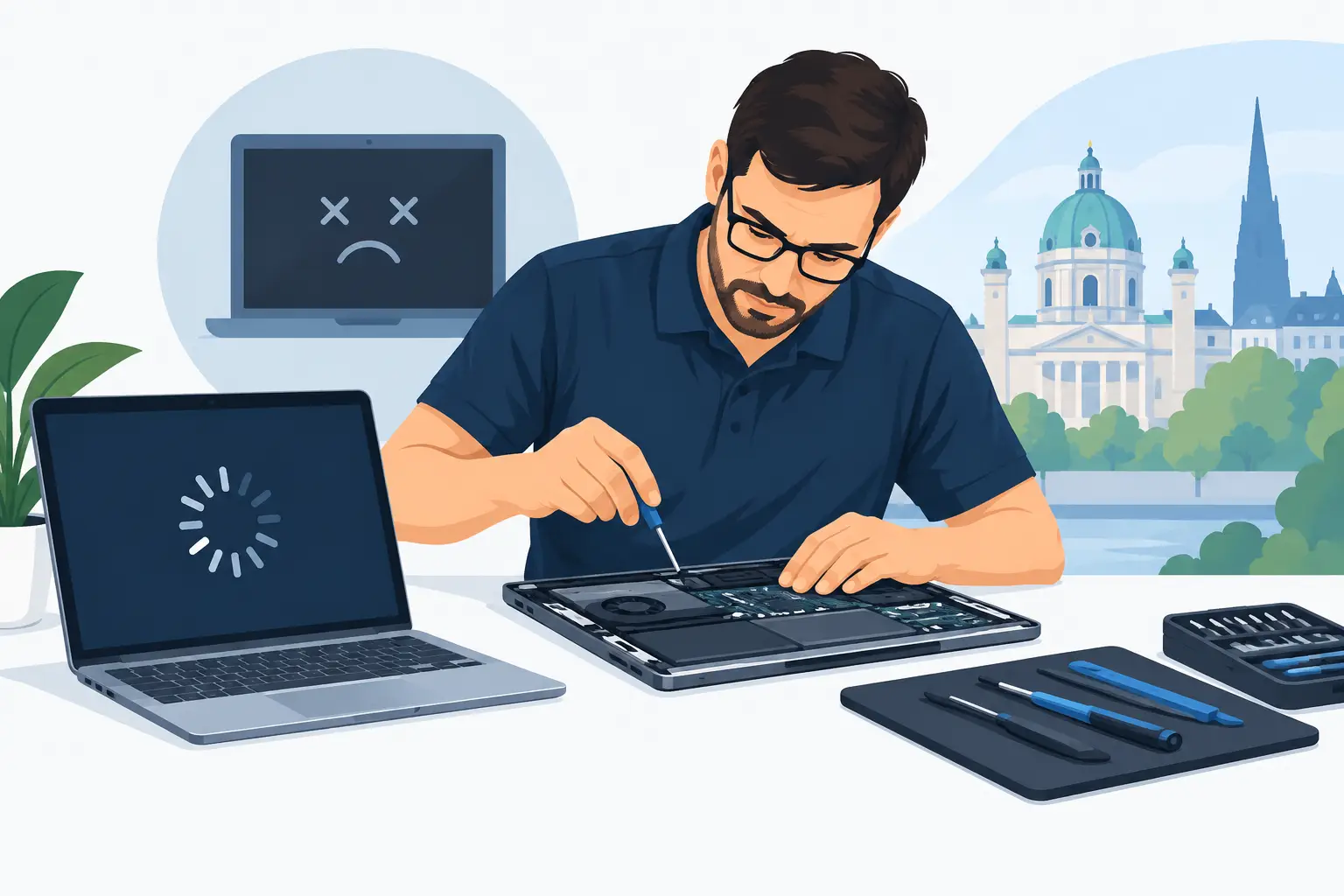
A laptop that freezes before a work meeting, a desktop that will not start, or a gaming PC that suddenly crashes can turn an ordinary day into a scramble. When you need computer repair Vienna VA residents can rely on, the goal is not to throw technical terms at the problem. It is to find out what failed, protect your files, and make a clear decision about repair, upgrade, or replacement.
Many computer problems look worse than they are. A slow machine may need cleanup or a solid-state drive. A system that will not boot may have a failing drive, a bad power component, or a Windows issue. The right next step depends on the symptoms, the age of the computer, and how important the data is.
Start With the Symptom, Not the Diagnosis
Most people do not know whether their PC has a hardware problem, malware, a software conflict, or a storage failure. You do not need to know. The details you notice are usually more useful than a guessed diagnosis.
If your computer is slow, consider when it slows down. Does it take several minutes to start? Does it bog down only when opening a browser, video call, or game? Does the mouse lag even when nothing is open? Those clues help separate a crowded startup, low memory, malware, and an aging hard drive.
If your laptop or desktop will not turn on, note what happens when you press the power button. No lights or fan noise points in a different direction than lights turning on with a blank screen. Repeated clicking, unusual beeps, blue screens, or a message saying no boot device found should also be shared with the technician.
A good repair assessment starts with plain answers to a few questions: What changed? When did the problem start? What are you trying to do when it happens? Have you seen any warnings or pop-ups? Clear information shortens the path to a useful recommendation.
Common Problems That Are Often Repairable
A computer does not have to be new to be useful. Many Vienna-area households and small businesses have PCs that are perfectly capable once a specific problem is addressed.
Slow Windows PCs and Laptops
Slow performance is one of the most common reasons people seek help. Sometimes the cause is simple: too many programs start automatically, temporary files have piled up, or browser extensions are causing trouble. In other cases, the computer is running out of RAM or still relies on an older mechanical hard drive.
An SSD upgrade can make a major difference for a computer that takes forever to start or open programs. Unlike a traditional hard drive, an SSD has no moving parts and delivers much faster access to Windows, applications, and files. More RAM can also help when a computer struggles with lots of browser tabs, office applications, or multitasking.
An upgrade is not always the answer. If a PC is very old, has several failing components, or cannot support a current operating system well, replacement may be the more sensible choice. The key is getting an honest explanation before spending money.
Viruses, Malware, and Suspicious Pop-Ups
A virus warning that appears inside a browser is not always a real virus warning. Some pop-ups are scams designed to make you call a fake support number or install unwanted software. Do not provide payment information, allow remote access, or call a number shown in a sudden pop-up.
Real malware can show up as strange ads, redirects, unknown programs, disabled security settings, password alerts, or unexplained slowdowns. Professional malware removal is about more than deleting one suspicious file. The system needs to be checked for unwanted programs, browser changes, persistence tools, and signs that personal information may have been exposed.
If you think an account or password may be compromised, use a different trusted device to change passwords, starting with email. Email accounts often control password resets for everything else.
Startup Failures and Possible Data Loss
When a computer fails to start, your files may still be recoverable. That is why repeated attempts to force a failing drive to work can be a bad idea. Clicking sounds, frequent freezing while opening files, and errors during startup can point to storage trouble.
Turn the computer off if it is making unusual mechanical noises or repeatedly failing during startup. Avoid installing software, resetting Windows, or continuing to save files to a system that may have a failing drive. Those actions can complicate a data recovery review.
There is no promise that every file can be recovered, especially when a drive is physically damaged. Still, a review can clarify whether the files are accessible, whether the drive should be replaced, and what can be done to avoid making the situation worse.
When DIY Troubleshooting Makes Sense
A few basic checks are reasonable when there are no signs of data loss, electrical damage, or malware. Restart the computer, verify that power cables are connected, try a different outlet, and disconnect nonessential accessories. For laptops, confirm the charger is working and inspect the charging port for obvious damage.
You can also check available storage if Windows still opens. A nearly full drive can contribute to poor performance and failed updates. Removing files you no longer need can help, but do not delete folders or system files just to free space.
DIY troubleshooting has limits. Stop when you are tempted to open the case without knowing what you are looking for, reset Windows before backing up important files, or download a series of random "PC cleaner" tools. Those steps can turn a straightforward repair into a longer recovery process.
What to Expect From Computer Repair in Vienna VA
Local support should feel more useful than a generic help desk. You should be able to describe the problem in everyday language, speak with a real person, and receive a clear explanation of the likely next steps.
For a typical repair, the process begins with the issue you are seeing: slow computer, virus concern, failed startup, hardware problem, upgrade request, or gaming PC trouble. The computer is assessed to identify the cause and determine whether repair is worthwhile. You should then receive options, not pressure.
Those options may include a cleanup, malware removal, SSD or RAM installation, replacement of a failed part, data recovery review, or a recommendation to replace the computer instead. Repair-first advice matters because a replacement PC is not automatically the best answer. A well-chosen upgrade can often extend the useful life of a dependable machine.
PC Pick N Fix focuses on direct local communication, so customers can call, text, or submit a repair request rather than get stuck in a remote-support loop. That is especially helpful when the situation is stressful and you need to know whether your files, work computer, or gaming setup can be saved.
Gaming PC Problems Need a Different Kind of Check
Gaming PCs put more demand on graphics cards, power supplies, cooling systems, and memory than a typical office computer. A crash during a game does not always mean the graphics card has failed. Overheating, unstable drivers, inadequate power, faulty RAM, or a storage issue can produce similar symptoms.
Watch for patterns. Does the PC crash only during demanding games? Do fans become unusually loud? Does the screen go black while the computer remains on? Does the issue begin after a new component or game update? Those details help narrow the repair path.
Upgrades should also be planned as a system. Adding a high-end graphics card may require a stronger power supply. More storage is useful, but the drive type and available slots matter. A repair technician can help confirm compatibility before you spend money on parts that do not solve the problem.
Protect Your Files Before the Next Problem
The best time to think about backup is before a drive starts failing. Important documents, photos, school files, and business records should exist in more than one place. A practical approach is keeping a local backup on an external drive and another copy in a trusted cloud service.
Backups should be tested occasionally. A backup that cannot be opened is not much help during an emergency. For small businesses, regular backups and clear access to account credentials are just as important as keeping the computers running.
If your computer has started acting differently, do not wait for a complete failure to ask for help. A quick assessment can tell you whether you need cleanup, a practical upgrade, a repair, or a plan to move your data safely to a replacement machine. That kind of clarity is often the fastest way to get back to work, school, or the game you were trying to play.